


How to Pause or Cancel a Green Chef Subscription
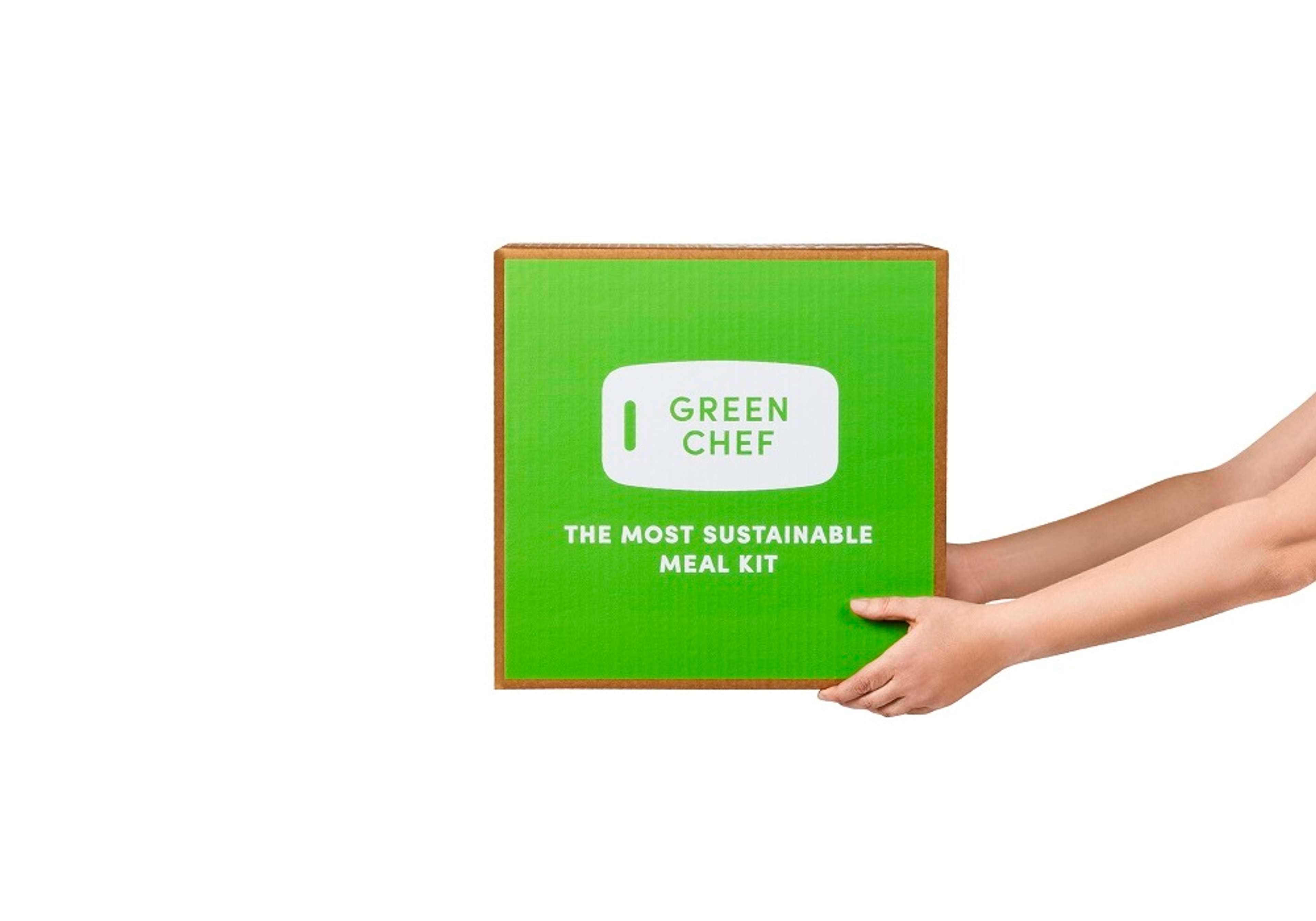
Are you new and curious to know how to cancel a Green Chef subscription? We've got you covered.
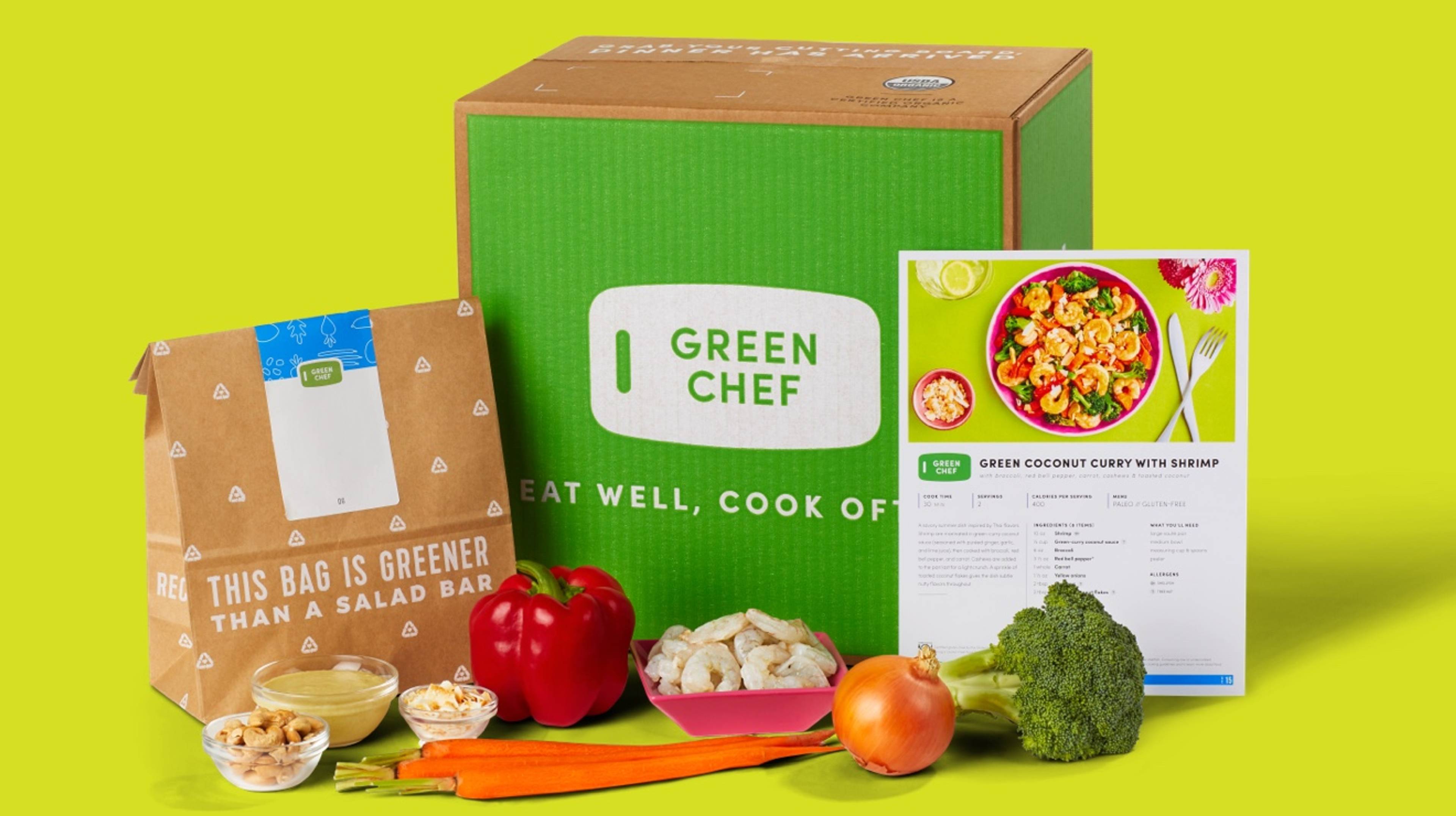
Are you an existing customer wanting to pause your Green Chef subscription? No problem.
No matter the reason, you can always pause your Green Chef subscription and skip your weekly deliveries. Just be sure to let us know 7 days prior to your next scheduled delivery so we can alert our suppliers. (e.g. A box that should be delivered on a Tuesday can be skipped no later than the previous Tuesday.) Here's how:
- Log into your account.
- On desktops,navigate to “My Menu” and select “Edit Delivery” below the menu options to skip a week.
- On the app, navigate to the week you want to skip and click on the three dots at the top right corner. Then click on "Skip Week" at the top right corner.
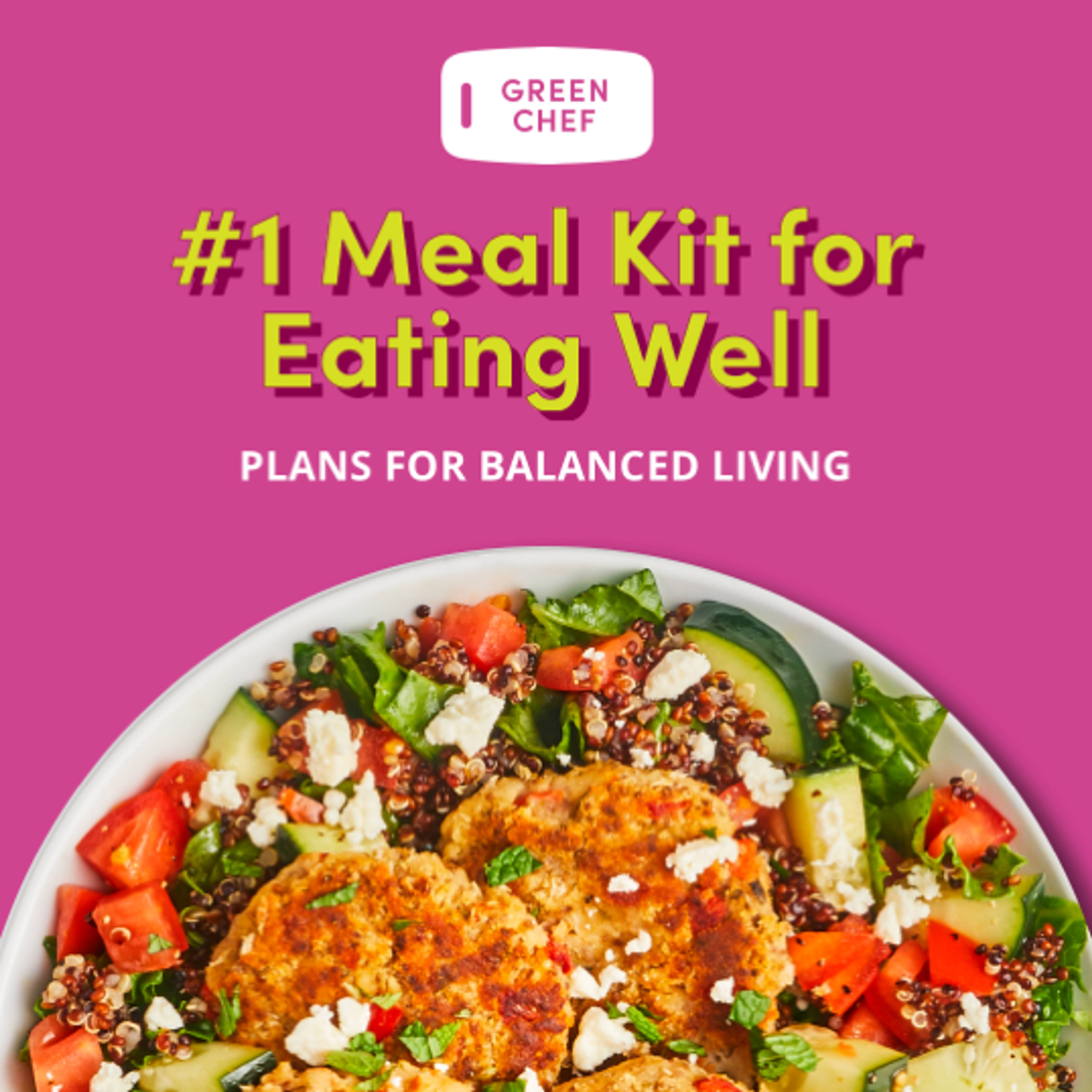
Thinking of cancelling your subscription? Here's why we think you should stay.
Green Chef offers unique, premium ingredients
We're the first meal kit company certified by CCOF as an organic company and premium ingredients are our priority. You can expect fresh produce, high-quality protein, and sustainably-sourced seafood, delivered to your door.
You get the most variety for your healthy lifestyle
Choose from 100+ weekly options, and mix and match meals from our preferences like Keto, Fast + Fit, Mediterranean, Gluten-Free, Vegan, and Veggie to explore a variety of recipes that support your healthy lifestyle.
Sustainability comes first
Green Chef is a sustainable meal kit and we offset 100% of the plastic in every box, and 100% of our carbon footprint and emissions, so you can feel good about your choices, inside and out.

Are you an existing customer wanting to cancel your Green Chef subscription? Easy.
We’re sorry to hear you want to cancel your Green Chef plan. If you change your mind and want to enjoy delicious, organic meals again, get in touch so we can tell you about the latest offers and our new and improved menu. Until then, here's how to cancel your Green Chef subcription:
- Log into your account.
- Open the menu in the top right corner and choose “Settings”.
- Scroll down to the "Account" Section and click on "Deactivate your Plan".
- Enter reason for cancellation and click on "Deactivate now".
- Your plan is canceled! Please note, if this is not done 7 days prior to your last delivery then you will get one more box that you have already paid for.
P.S. You can always reactivate your account when you're ready for more deliciousness!